Knowledge Base
T4 sales FAQs
How does the T4 compare to the earlier T1 and T3 models?
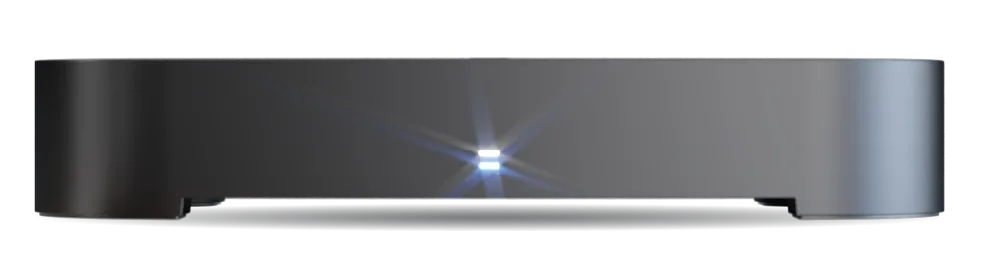
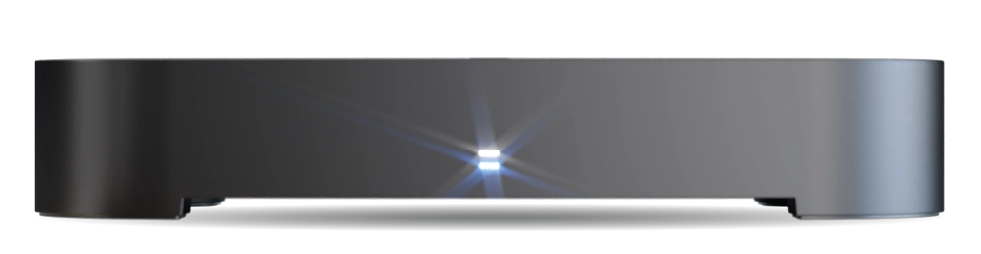
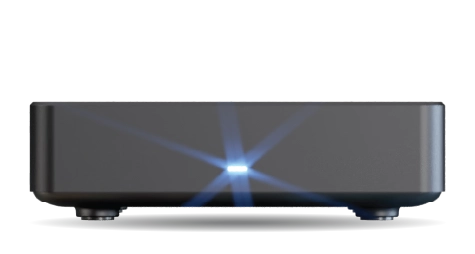
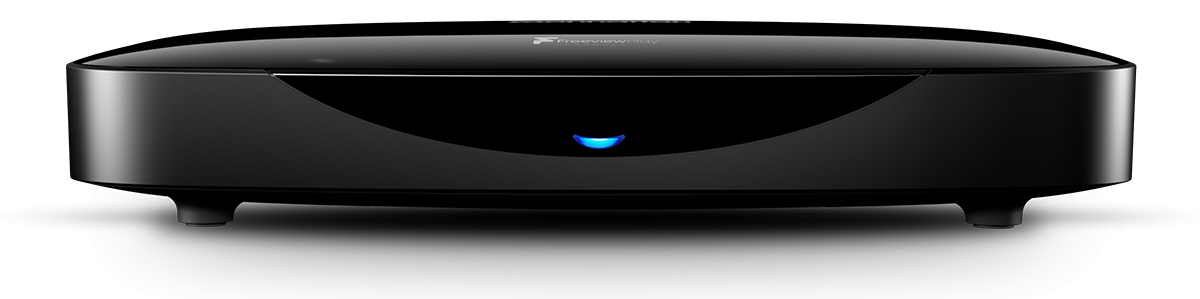
The T4 builds on the strengths of the T3 and T1, with more powerful hardware for improved performance. It introduces many new features while retaining the user-friendly interface that our customers love, adding significantly more flexibility and customisation.
Our blog covers the redesigned TV Guide in Deep Dive #1: Unveiling the T4’s redesigned TV Guide, which makes browsing and catching up easier. Deep Dive #2: Search and discover great telly explains how you can quickly find or discover new shows. Our next deep dive will cover the recording and playback features.
Does the T4 need an aerial?
The T4 needs a rooftop aerial to pick up most live TV and radio channels. We don’t recommend using an indoor aerial. You can stream some channels over the internet, but they cannot be recorded.
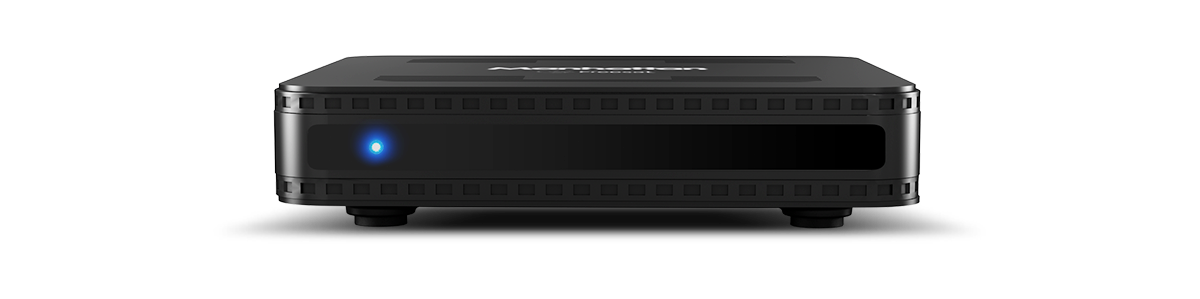
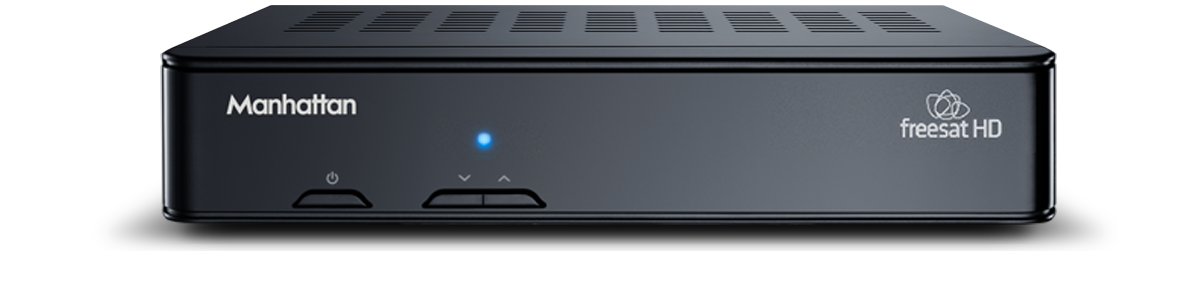
If you don’t have an aerial but do have a satellite dish, check out our Manhattan SX Freesat HD Box. It offers access to hundreds of TV and radio channels, making it an excellent, budget-friendly alternative for former Sky subscribers.
Does the T4 need an internet connection?
The T4 works perfectly as a Freeview TV box without an internet connection, and you can use the TV Guide to browse shows for the next seven days. However, to access all features, including catch-up and on-demand services, you need to connect it to the internet. You can easily set it up using Wi-Fi or an Ethernet cable for a wired connection. Being online also ensures your T4 receives the latest software updates automatically. If you choose not to connect to the internet, you can still download updates from our website and install them using a USB stick.
Can the T4 pause live TV?
Yes, the T4 allows you to pause live TV for up to 90 minutes. However, if you want to rewind live TV without pausing it first, you’ll need the T4•R, which continuously records the channel you’re watching to its hard drive.
How many channels can the T4 receive?
With Freeview, you can get over 100 channels, all with no subscription. The exact number of channels you’ll get depends on the coverage at your address. Use the Freeview Channel Checker to find out the ones available to you.
Does the T4 support Freely?
The T4 is a Freeview device – it uses your aerial for live TV, not broadband. If you’re looking for Freely, our Manhattan Aero is designed specifically for that.
That said, here’s why the T4 might still be the better choice for you:
- Longer pause. The T4 lets you pause live TV for up to 90 minutes on any channel. Freely only offers 15-minute pause.
- No broadband dependency. Your aerial handles the live signal, so even if your internet goes down, your TV keeps working.
- Our fourth-generation TV Guide. Three views (Grid, Channel, Genre), powerful filters, and universal search of both broadcast and on-demand programmes – designed to make finding what you want genuinely easy.
If you want Freely’s advantages – more HD channels and no aerial needed – the Aero is our product for that. And if you want recording and 2‑hour pause/rewind, consider the T4•R.
What apps are available on the T4?
The T4 is a subscription-free experience that features YouTube, BBC iPlayer, ITVX, 4 (Channel 4), My5, U, GREAT! Player, Watch Free UK, PBS America, POP Player, BBC Sounds, STV Player, S4C / Clic, and Explore Freeview Play.
We don’t currently include or have plans to include premium subscription apps like Netflix and Prime.
What programmes can the T4 search for?
The T4 can search for any live TV programme scheduled within the next seven days. It also searches for any on-demand and catch-up programme available from the apps.
Can I control my TV with the T4 remote?
Yes, the T4 remote can adjust your TV’s volume, turn it on or off, and change its input by learning from your TV’s remote.
Will the T4 stay up-to-date?
Yes, if it’s connected to the internet through Ethernet or Wi-Fi, the T4 will automatically look for updates every night and install them if it finds any. If your T4 isn’t online, you can update it by downloading the update files onto a USB stick and plugging that into the T4.
If you’d rather updates didn’t happen on their own, you can turn off Automatic Updates. To do this and to manually check for updates, go to: Settings > System > Software Updates.
Is the T4 energy efficient?
The T4 is designed to save energy. It typically uses less than 6W when on, only 0.9W when asleep with Wi-Fi, and just 0.3W with Ethernet.
It also has a feature called Auto Standby. If you don’t press any buttons on the remote for 3 hours, it will automatically go into standby mode. You can adjust or turn off this feature by going to: Settings > System > Standby Options.