Product Support
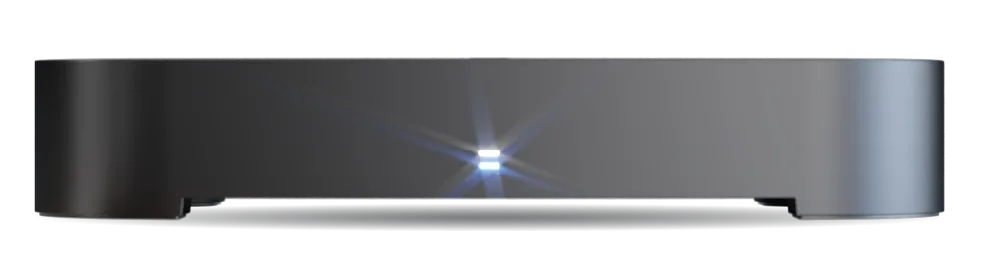
Manhattan S4•R
FAQ
Can I use the S4•R outside the UK?
Do I need to use the HDMI cable provided with the S4•R?
Can I use multiple Manhattan boxes in the same room without remote interference?
Can I browse the web on my S4•R?
How do I hide or delete channels from my S4•R?
Can I transfer recordings from my old Manhattan recorder to the S4•R?
Can I transfer recordings from the S4•R to a USB device?
How can I check the space remaining for recordings?
How is storage capacity shown on the S4•R?
Does the S4•R support Dolby Digital, Dolby Digital Plus, and Dolby Atmos?
How do I watch a recording while it's still being recorded?
How do I customise HDMI-CEC features on my S4•R?
What is the USB port on the S4•R used for?
Does the S4•R have the Teletext function? What does the TEXT button do?
How do I stop my filters resetting after standby?
How do I set up and use Favourite Channels?
Can I skip adverts on recorded programmes?
What happens when recordings overlap or are scheduled back-to-back?
Can I reorder or move channels?
Can I connect the S4•R to an older TV without HDMI?
Does the S4•R need an internet connection?
Can I play media files from a USB drive on the S4•R?
How do I add programmes to my Watchlist?
Can I play my own videos or media files on the S4•R?
Why is an internet connection needed to search the TV Guide?
Can I record content from apps or streaming channels?
What’s the difference between automatic and manual padding?
How does auto-deletion work on the S4•R, and how can I keep important recordings?
How do I cancel a recording or series recording?
Can I use a universal remote with the S4•R?
Does the S4•R remote support Bluetooth?
Where is the infrared sensor on the S4•R?
What do the lights on the front of the S4•R mean?
Do I need a satellite dish to use the S4•R?
Can I use my existing Sky or satellite dish cabling?
How many programmes can it record at once?
Does it need to be connected to broadband?
What's the difference between the S4•R and the existing Manhattan SX?
Need more help? Contact support