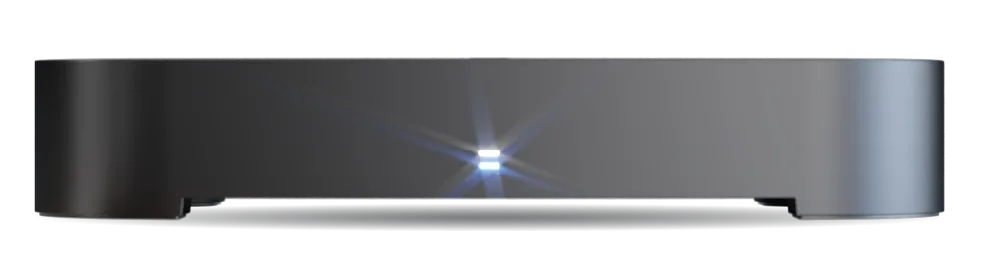
What do the lights on the front of the S4•R mean?
The S4•R has two lights in the centre of the front panel:
- Standby light (the lower one): red when the box is in standby, blue when it’s on.
- Recording light (above it): white while the box is recording, off the rest of the time.
In normal use, neither light flashes when you press a button on the remote. The remote’s own standby button blinks blue to show it has sent a press (Guide to the S4•R remote’s buttons).