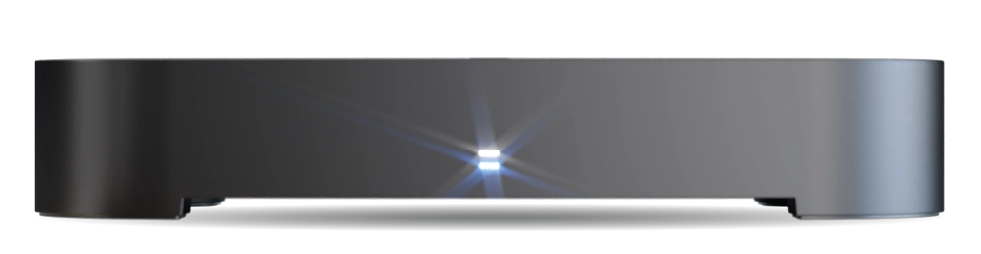
Why isn't space freed up when I clear Recently Deleted recordings?
The way storage space is displayed on your T4•R differs depending on where you look:
In the Recordings Menu (press RECS):
- The free space percentage shown at the top already includes Recently Deleted recordings
- Clearing the Recently Deleted section won’t change this percentage
- This gives you an accurate view of your total available recording space
In Hard Drive Information (Home → Information → Hard Drive):
- The free space shown in GB does not include Recently Deleted recordings
- You’ll see the space increase after clearing Recently Deleted recordings
- This shows you the current technical state of the hard drive
The Recently Deleted section acts like a recycle bin, giving you a chance to recover recordings before they’re permanently removed. The space is already counted as available because these recordings will be automatically deleted when space is needed for new recordings.