
Watching TV
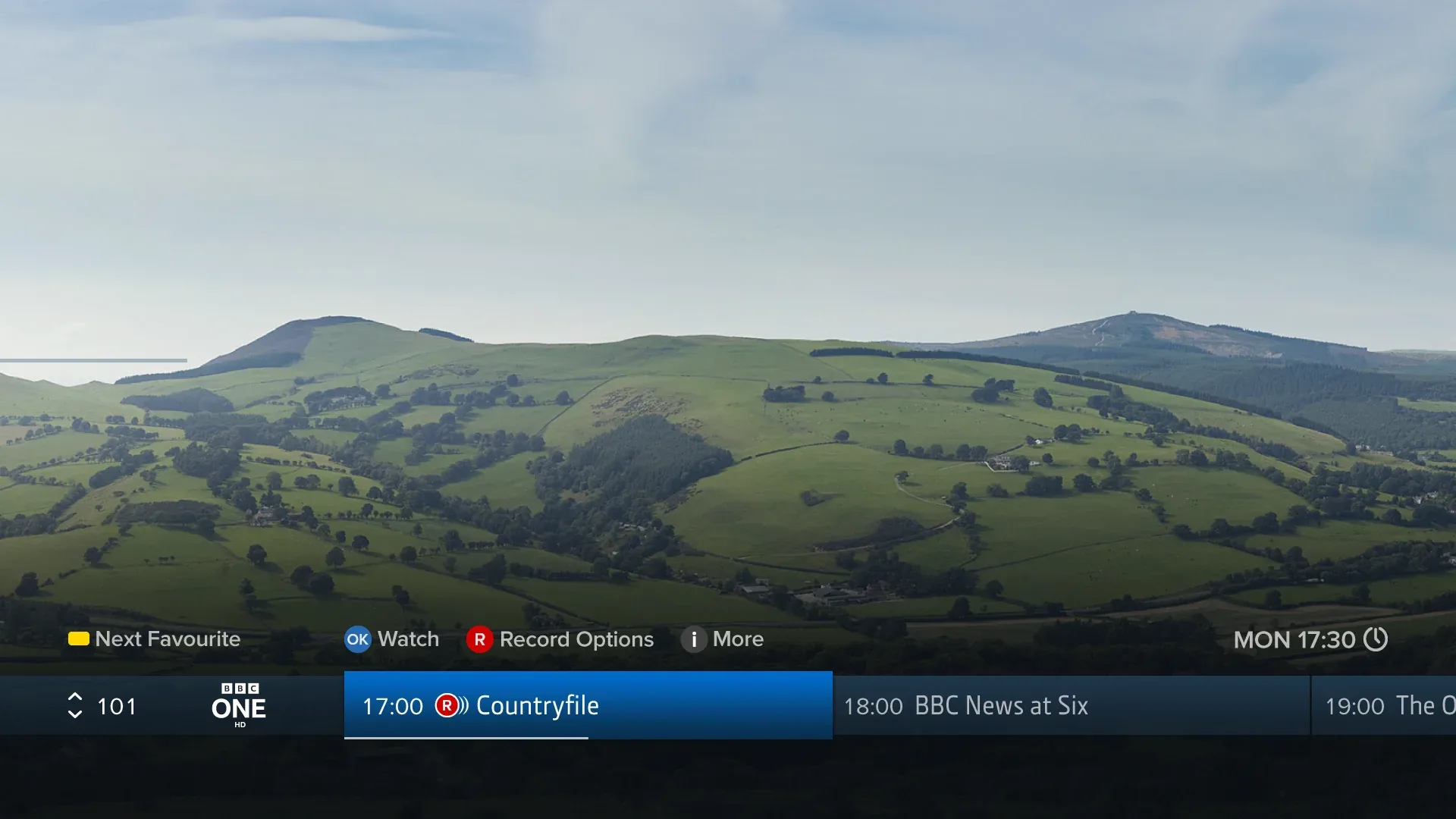
Browsing Channels & Programmes
While watching TV, press OK or to show the Channel Browser. Use the directional pad to browse what’s on later or on other channels. If you’ve added Favourite Channels, press to cycle through them.
For more information about a highlighted programme, including showings, future episodes and episodes available to play on demand, press again.
To set a recording for a programme, press . If the programme is part of a series, you will be given the choice to record the series or just that episode. See the Recordings section for more information about recordings.
Changing Channels
- Press P‑UP or P‑DOWN to go up or down a channel
- Use the number buttons to directly enter a channel number
- Press to return to the last channel viewed
Live Pause
Press to pause live TV for up to two hours, to skip back 10 seconds, or to rewind to any point within the last two hours since you started viewing the channel.
See the Live Pause section for more.