Search
Overview
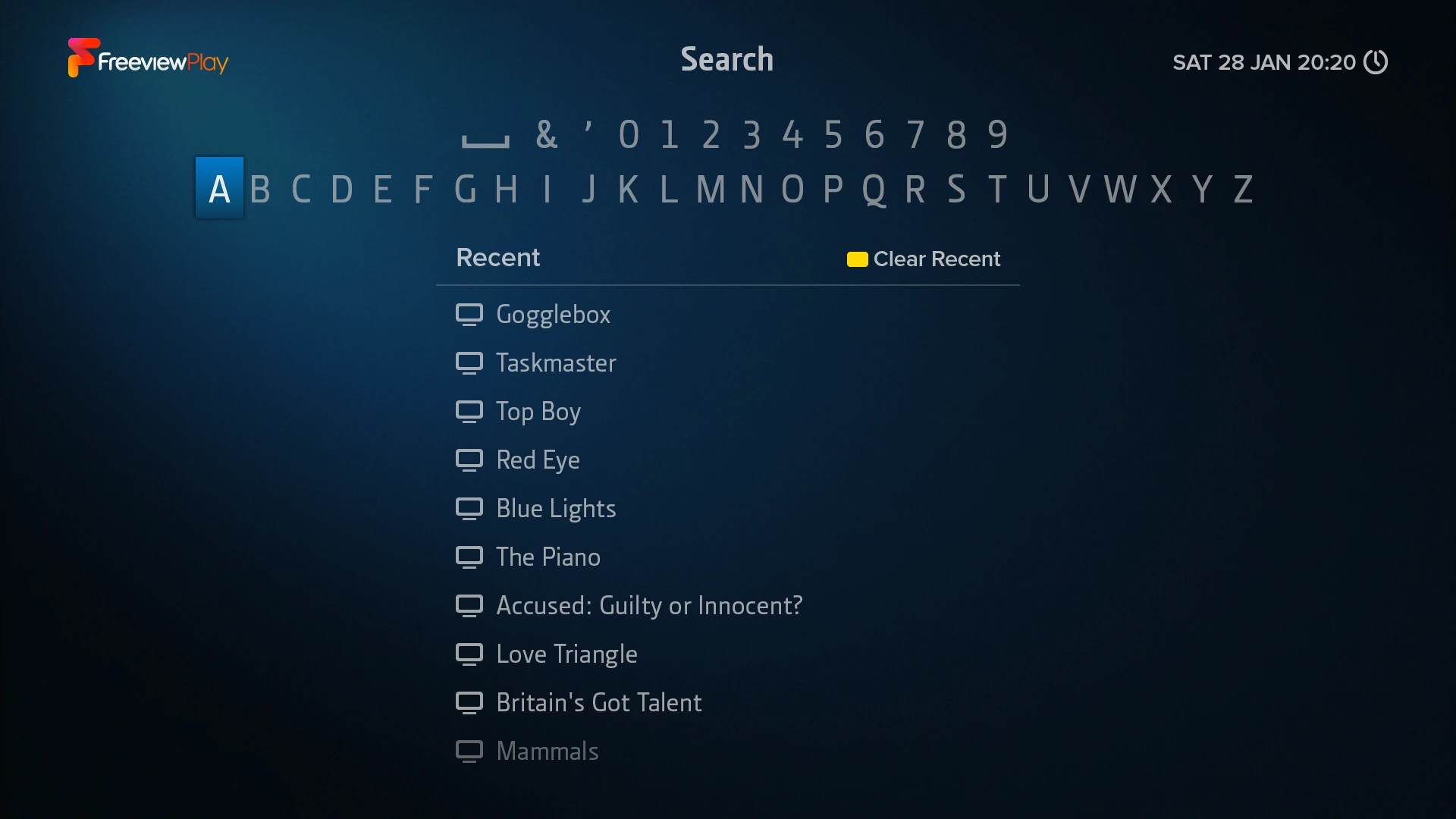
To find broadcast and on demand programmes, open Search from the Home Screen or by pressing SEARCH on your T4•R remote.
Enter a programme’s name using the on-screen keyboard. Search is not case sensitive. As you type, suggestions will appear below your search term. To view results, highlight your selection and press OK.
You can select either:
- A suggestion – shows exact matches only
- Your search term – shows exact and partial matches
For example, selecting the EastEnders suggestion will only show EastEnders. But selecting your search term EastEnders will also find Classic EastEnders.
Recent Searches
When you open Search, your recent searches will be displayed for quick selection. To clear all recent searches, press before entering a search term. Alternatively, to remove only a specific search, highlight it and press .