Product Support
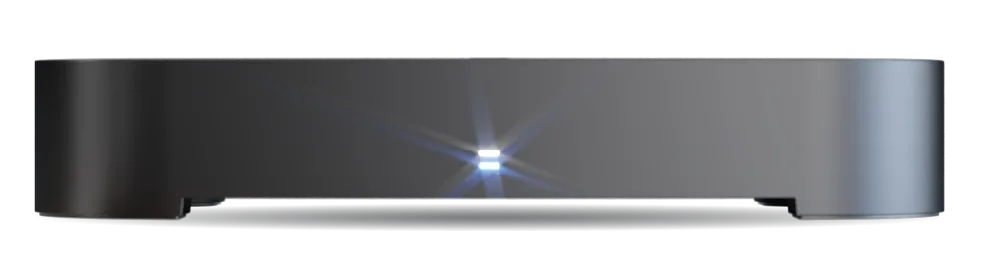
Manhattan S4•R
Latest Update
v1.01 Software Update
Released 30 Apr 2026
This update – the first for the S4•R – delivers a significant boost in TV Guide performance, with navigation in all directions now markedly faster and smoother. We've also resolved several issues affecting recording reliability and standby behaviour.
Resolved
- The S4•R could become stuck during wake-up when pressing the power button on the remote control, leaving it unresponsive.
- Some recordings could fail and incorrectly display the message "Failed recording due to power loss" because the next upcoming recording event timer failed to load after the S4•R woke from standby.
- On installations using a wideband feed, recordings could fail because EPG data was sometimes not received after the S4•R woke from networked standby.
- Some recordings could begin late, with only part of the programme captured and the message "Part recorded due to starting late" shown in the recording details.
- Recordings would fail to be rescheduled after a recording clash had been resolved.
- Service logos in the Home Screen's On Now row could fail to display until the row had been activated, navigated away from, and then returned to.
- On-screen elements could fail to remain at a consistent size when Zoom mode was activated.
Improved
- TV Guide navigation is now significantly faster and more responsive in all directions. Moving up, down, left, and right through the schedule is markedly snappier, making it much quicker to browse what's on.
Update Instructions
UPDATE OVER THE INTERNET
- Your S4•R needs to be connected to your internet router by Wi-Fi or Ethernet cable
- Your S4•R will update automatically overnight while in standby (unless automatic updates are disabled in System Settings)
- A 'Software Updated' message will appear when you first turn on your S4•R after the update
- To update now, go to: Home → Settings → System → Software Updates → Check for Update Now
- To check your internet connection, go to: Home → Settings → Internet
UPDATE USING A USB STICK
- Download the update files: Manhattan_S4_S4-R_v1.01.zip
- Download the instructions: Manhattan_S4_S4-R_v1.01_USB_Update_Guide.pdf
- Read the instructions before proceeding
Need help updating? Contact us.